 sensor labs
How can we help?
Set up your inventory, collect counts and keep your licensing records organized.
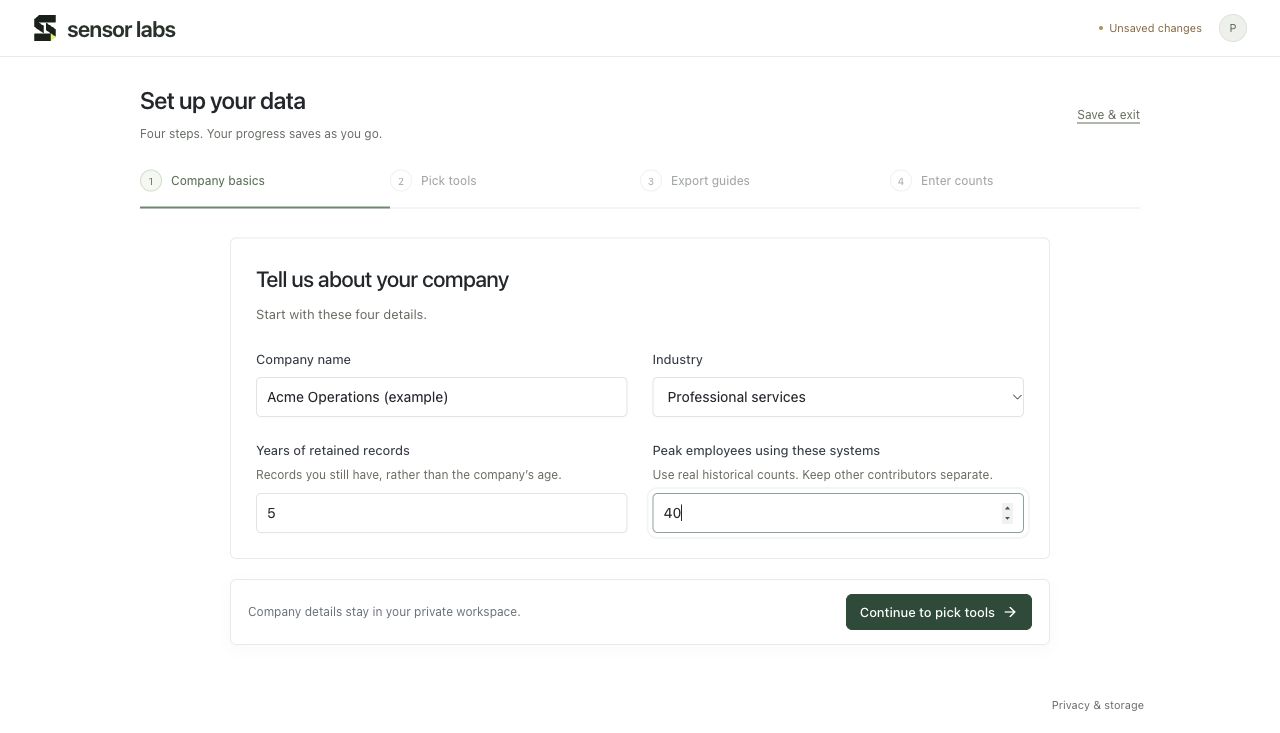
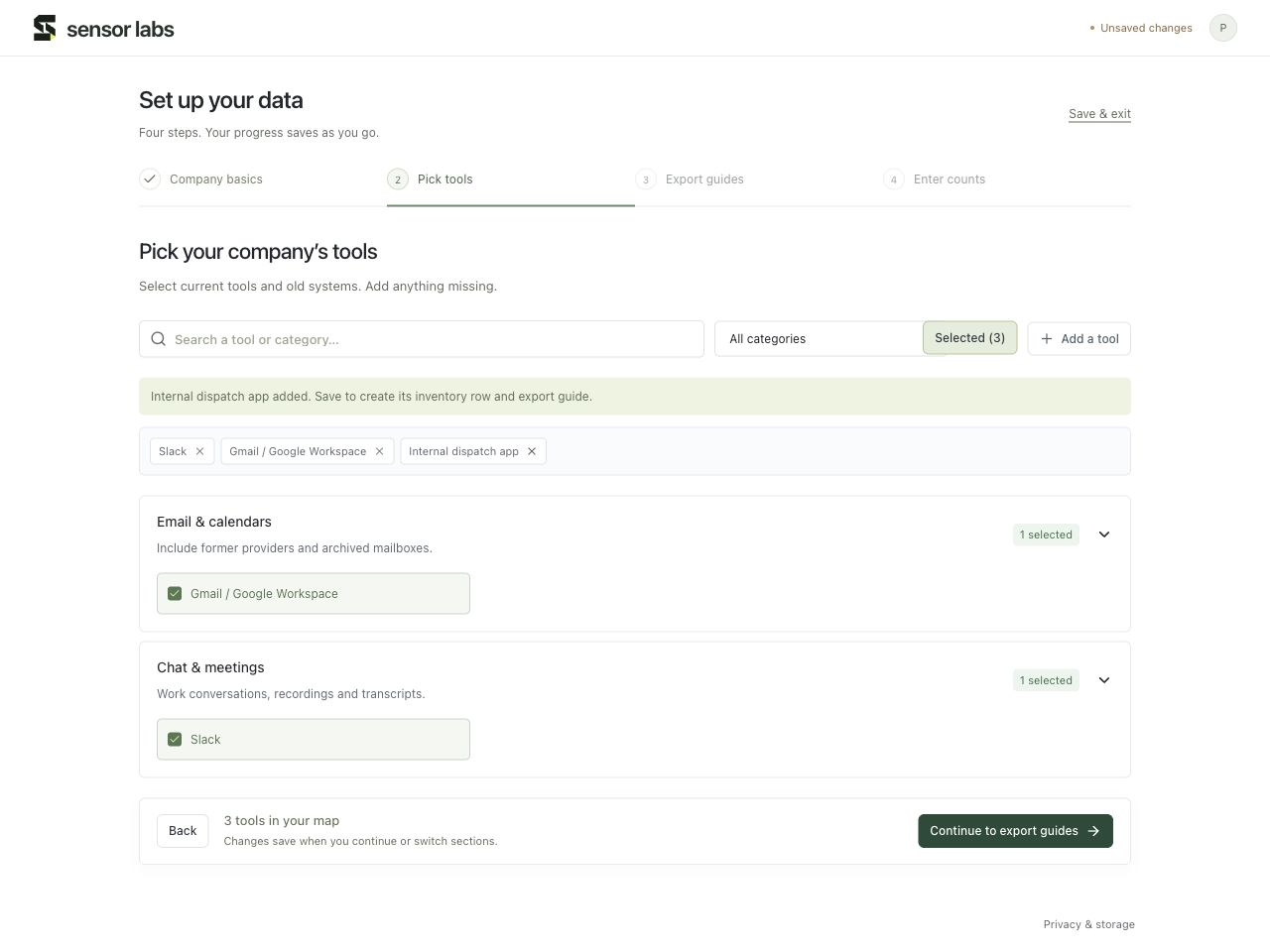
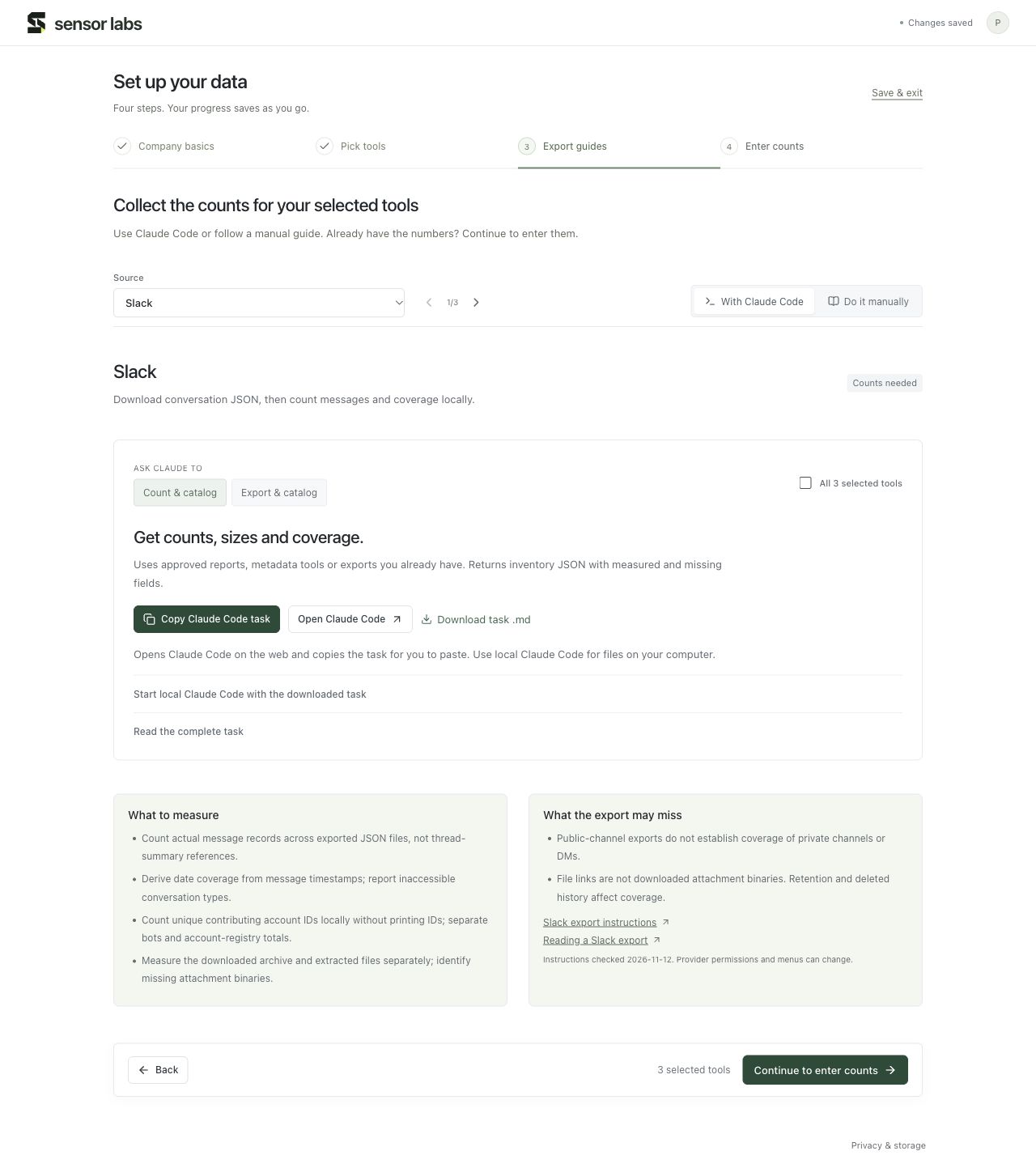
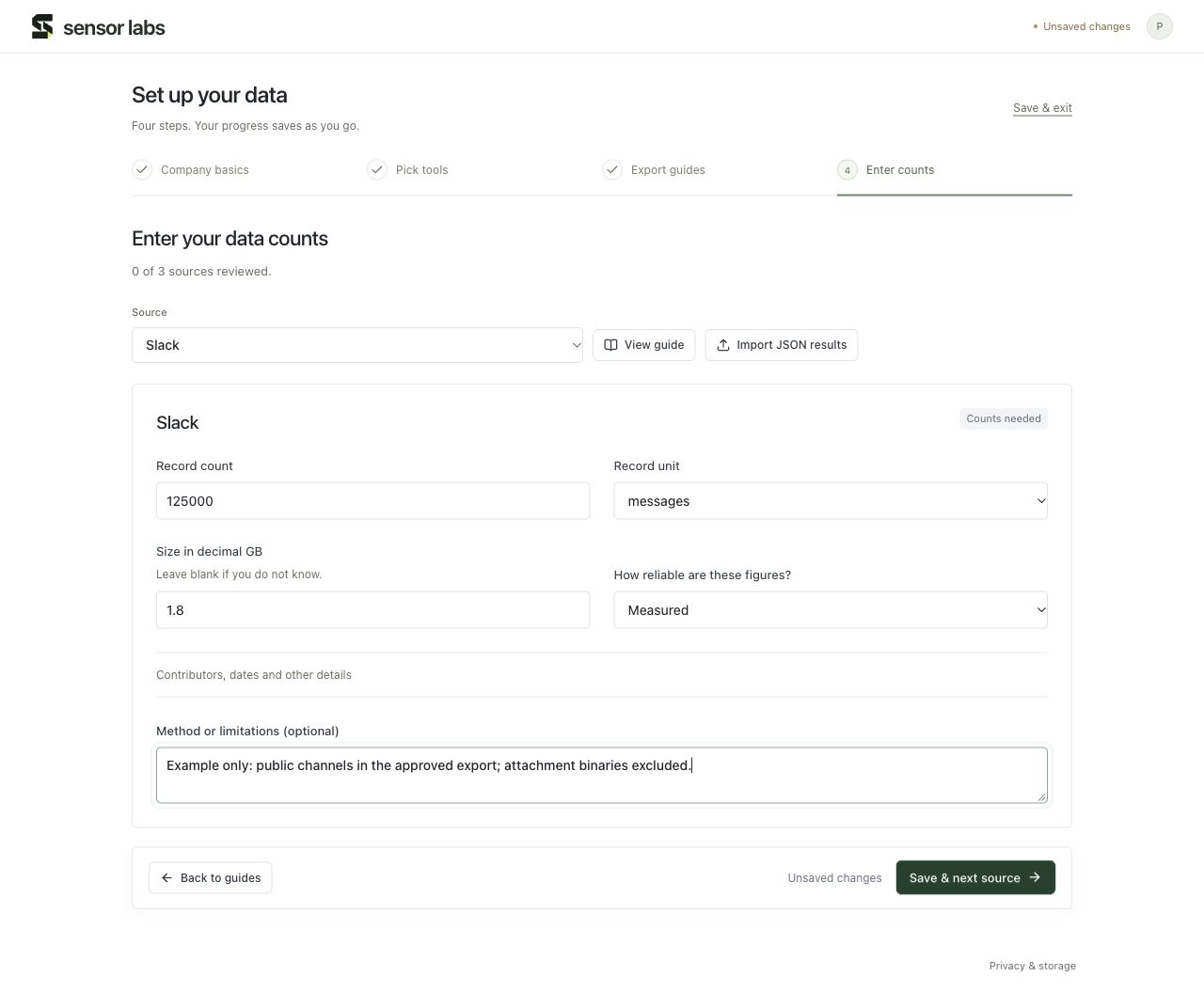
Your first four steps
See the full onboarding flow with an example company.
Browse guides
10 guides
Publish a corpus and evaluate buyer requests
Prepare a profile, request sample access and follow the deal record.
Start hereConnect Claude and fill in your counts
Connect your Sensor Labs workspace, start a guided catalog and review saved results.
Start hereSet up your company’s data
The complete new-customer walkthrough, from company basics to saved counts.
DataCollect counts with an assistant or manually
Choose the right guide, copy a task, or follow the screenshots yourself.
DataEnter counts, size and coverage correctly
Measured versus estimated figures, unknown counts, units, contributors and multiple exports.
DataFind and update your saved data
Use Sources, Summary, Tools and Export guides after onboarding.
CompanyComplete company and insurance reviews
Where to record ownership, sensitive categories, policy files and commercial preferences.
DealsTrack offers, referrals and delivery
Keep buyer terms, attribution, delivery records and milestones in one place.
SettingsConnect an assistant with API or MCP
Find the connection settings, approve permissions and manage access.
SettingsSave progress, sign in and export your workspace
Resume setup, recover account access and handle save problems.